You've probably lost a client to someone who simply answered first. It happens to every agent. Someone messages three agents about similar flats, and whoever replies first books the viewing.
So this guide is about two things: knowing the moment an enquiry arrives, and never losing track of who's waiting on you. To check every step, we sent an enquiry to a sample website as if we were a renter, then picked it up in the dashboard.
The short version
- Enquiries from your website land in Enquiries in your dashboard, and you get an email for each one.
- Open one and tap Reply on WhatsApp (or email, or call).
- Mark it Contacted once you've replied and Closed when it's done.
- Check the New filter every morning. Anything still there is someone waiting on you.
How clients can reach you
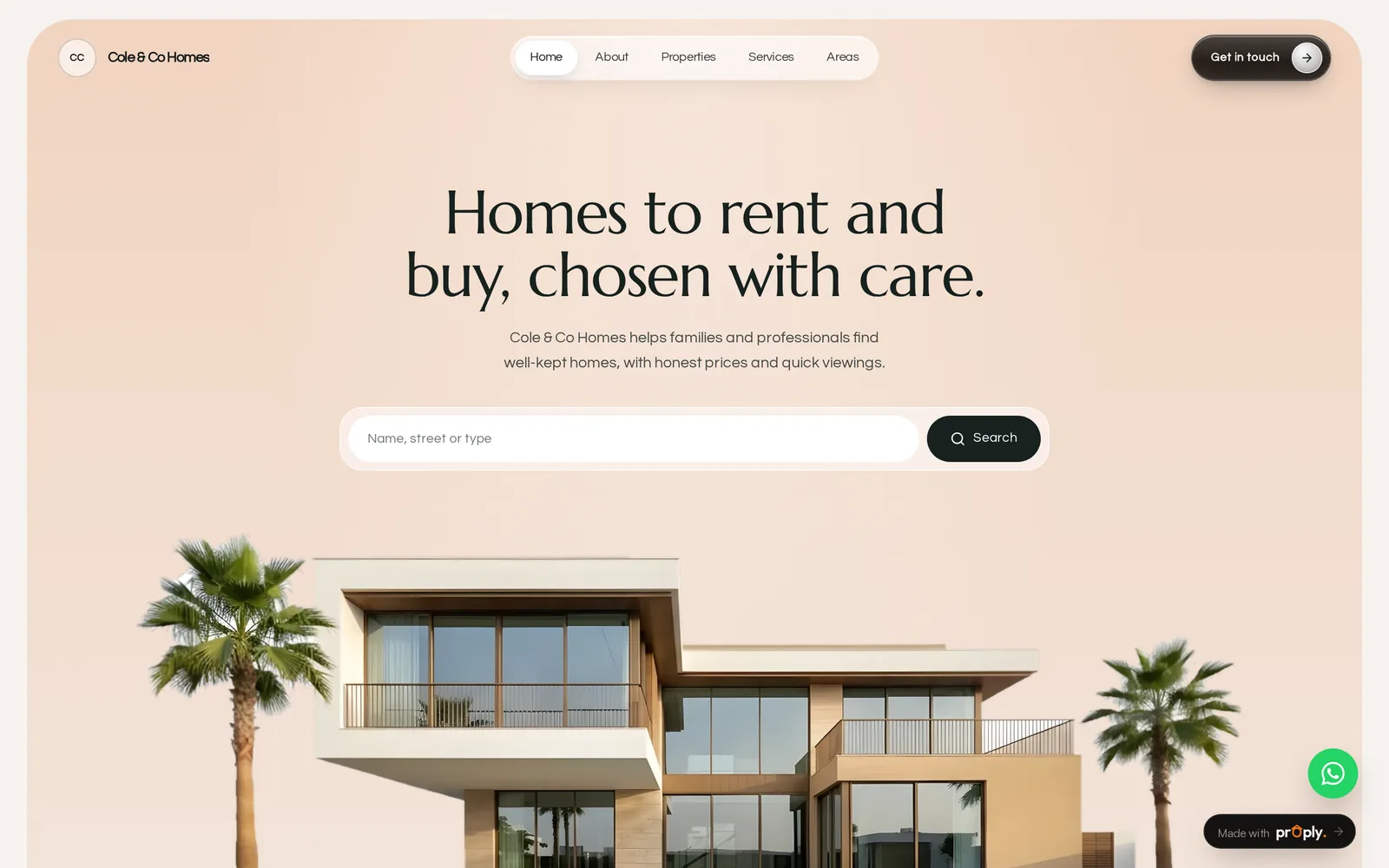
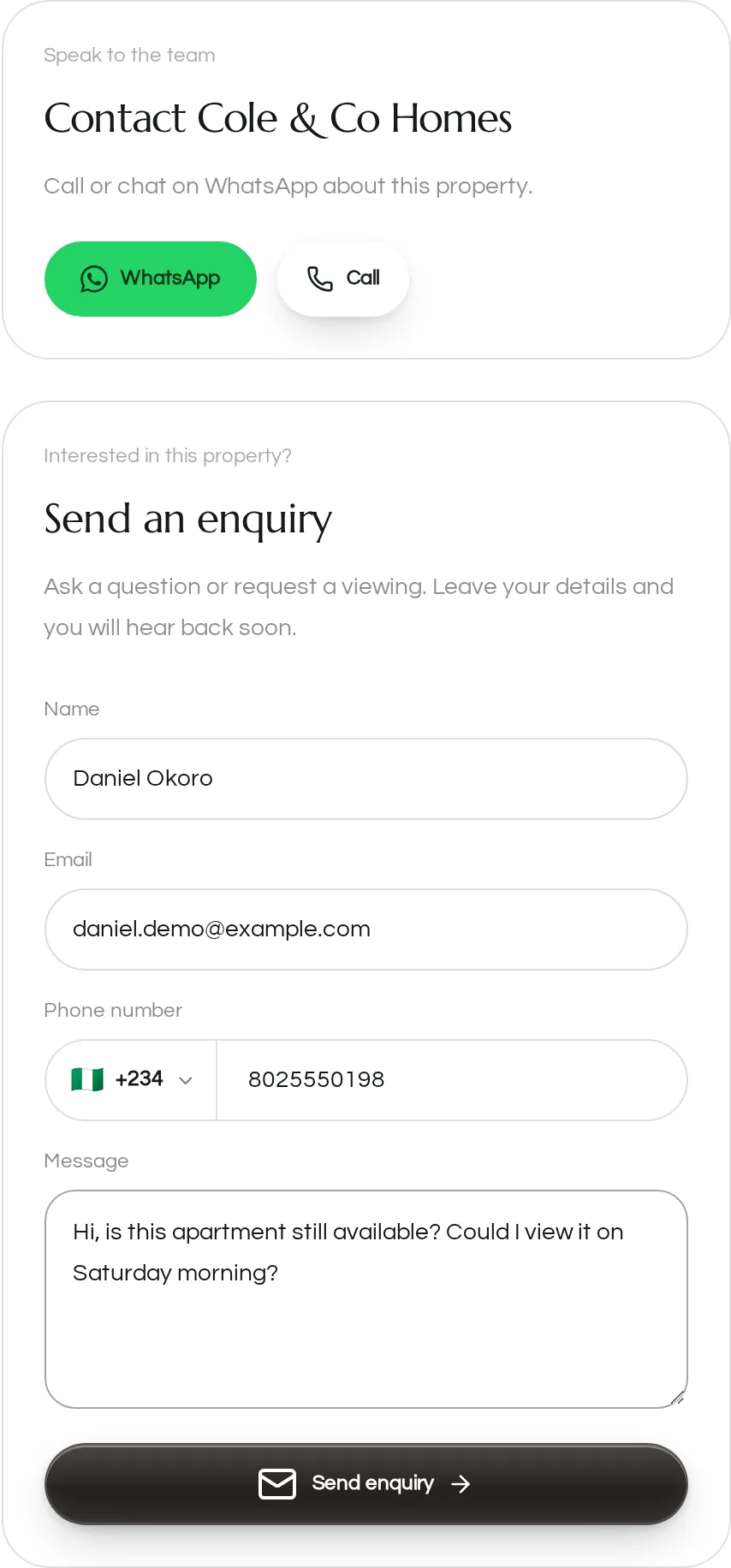
Your Proply website gives visitors three ways to get in touch, and it's worth knowing where each one ends up:
- The green WhatsApp button on every page opens a chat with your WhatsApp number, with a first message already typed. That conversation happens in your own WhatsApp.
- The call button on each listing rings the phone number in your settings.
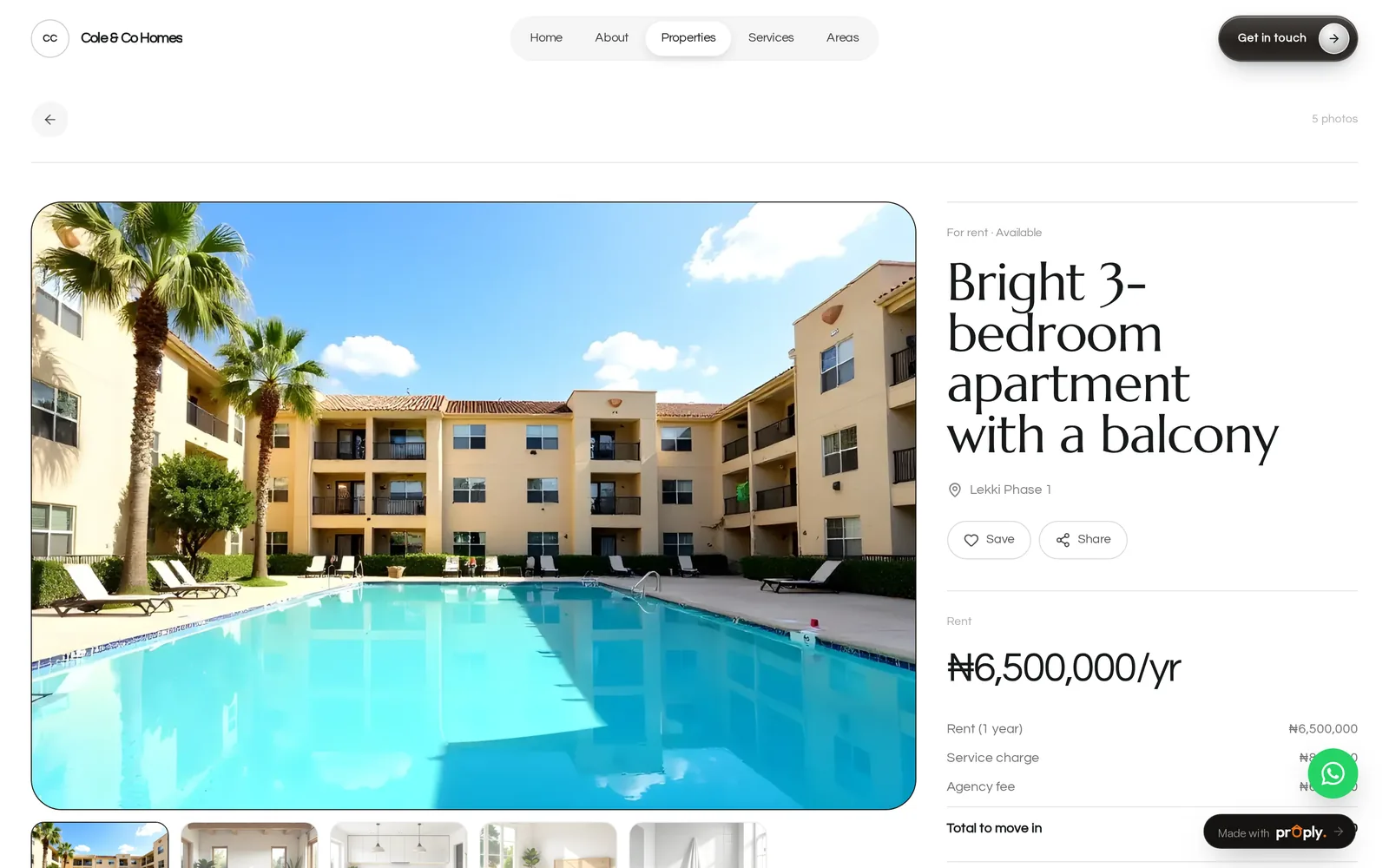
- The enquiry form on each listing (and on your contact page) sends a message to your dashboard. That's what the rest of this guide is about.
What happens when someone sends the form
The visitor types their name, email, phone number and a message. On a listing, the message box starts with a line that names the property, so even someone who types nothing else tells you which home they mean. When they send it, they see a short thank-you note saying you'll be in touch.
At the same moment, two things happen on your side:
- The enquiry appears in Enquiries in your dashboard.
- You get an email titled "New enquiry for" followed by your website's name. It has the person's details, their message and the property, plus a button that opens your inbox.
That email goes to the address you log in with. If the first one lands in spam, mark it as not spam so the next one doesn't. It's a small thing, but an enquiry sitting in spam for a day is an enquiry you've probably lost.
Reading your enquiries
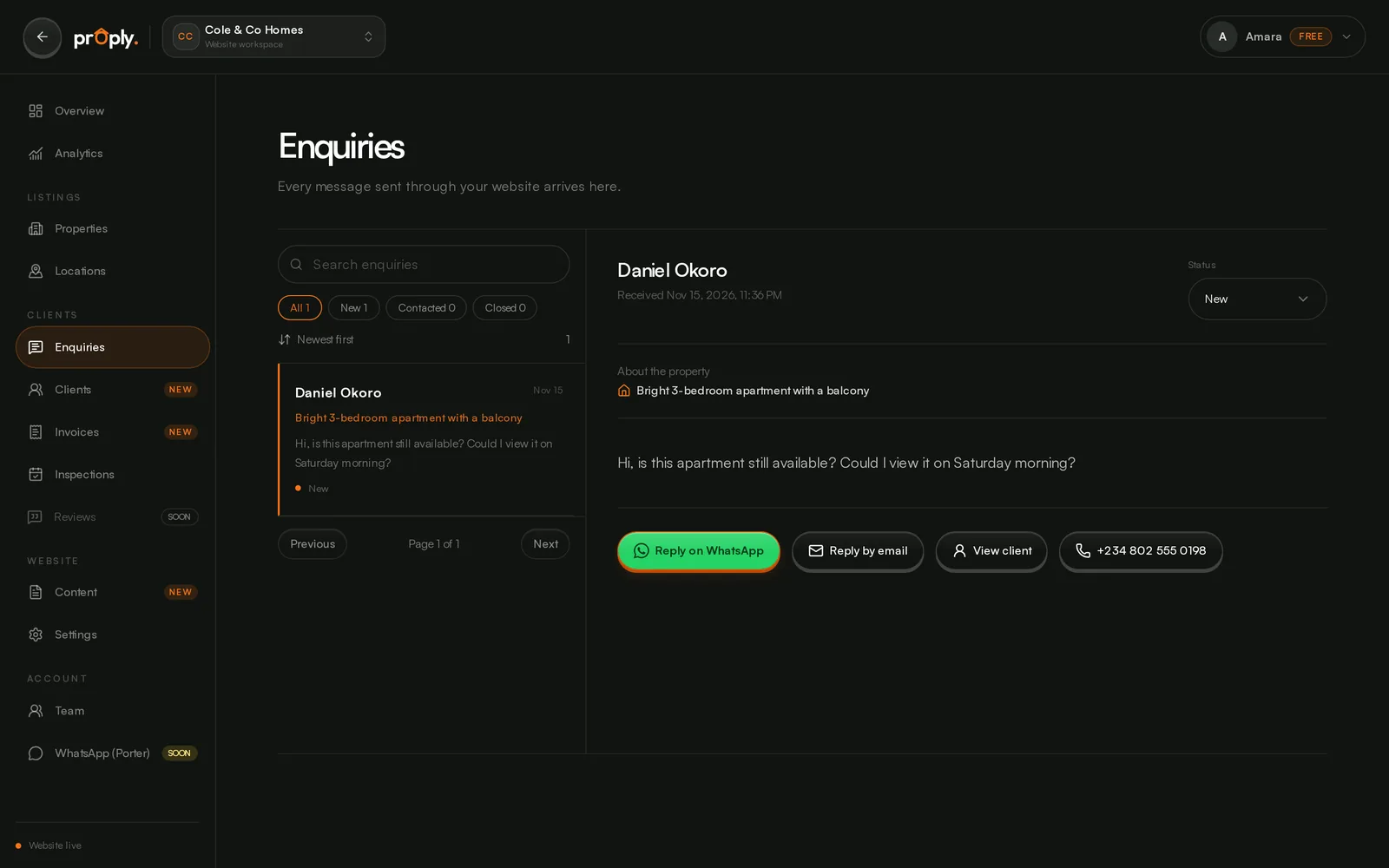
Open your website from the dashboard and click Enquiries on the left. (The screenshot at the top of this guide shows it with one enquiry open.)
On the left is your list: each person, the property they asked about, the start of their message and its status. Click one to read it in full on the right. A search box helps you find older ones, and the filters at the top (All, New, Contacted, Closed) show how many are in each.
Replying
An open enquiry has four buttons:
- Reply on WhatsApp opens a chat with their number. For most clients this is the fastest way to get an answer back.
- Reply by email opens an email to them.
- View client opens their client record.
- Their phone number calls them straight away.
What should you say? Keep the first reply short and make it easy to say yes. Answer their question, then offer two specific times:
"Hi Daniel, yes, it's still available. I can show you round on Saturday at 10am or 2pm. Which suits you better?"
That gets a reply far more often than "Please call me to discuss", because it's one quick decision instead of a phone call they have to fit in.
Keeping track with statuses
Every new enquiry starts as New. Change it from the menu at the top right of the open enquiry:
- Contacted once you've replied.
- Closed when it's finished, whether they took the property or not.
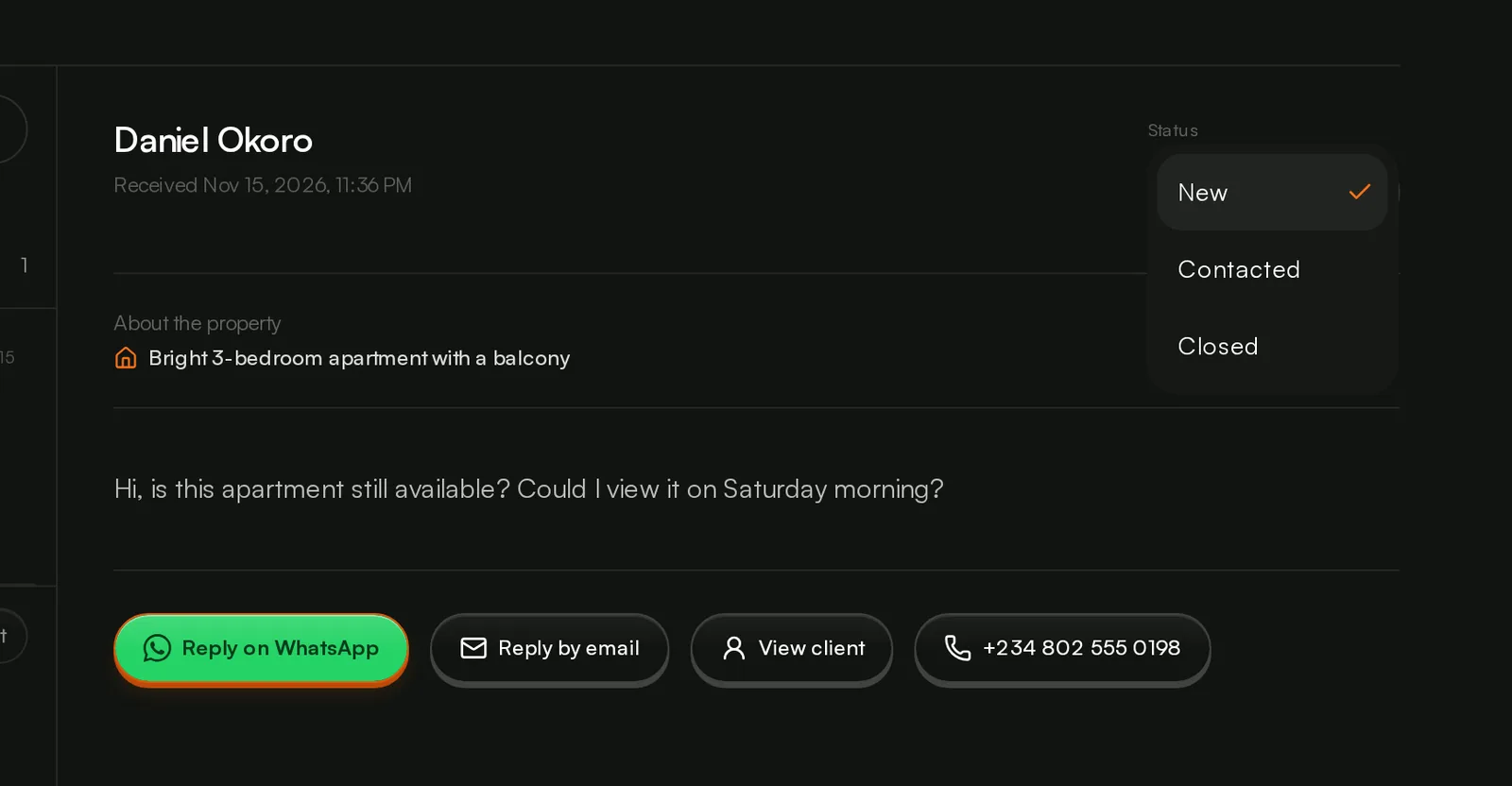
It takes a second, and it turns your inbox into a to-do list. Open New at 9am and you know exactly who to answer before anything else.
A simple daily routine
You don't need a complicated system. Agents who do well with online enquiries mostly stick to four habits:
- Reply within 60 minutes during working hours. Turn on email notifications on your phone so you see enquiries as they land. Can't give a full answer yet? A two-line "Got your message, I'll confirm by 3pm" still counts.
- Empty the New filter every day, even if some replies are just holding messages.
- Close things honestly. If someone's gone quiet after 2 follow-ups over a week, close it. Your list should show real work, not old hope.
- Keep your listings current. Most wasted enquiries are about homes that have already gone. When one is let or sold, update its availability on the listing.
Questions people ask
Do WhatsApp chats show up in Enquiries? No. Chats started with the WhatsApp button go straight to your WhatsApp, like any other chat. Enquiries holds messages sent through the forms on your website.
Who gets the email when an enquiry arrives? The email address you log in to Proply with.
Can I find an old enquiry? Yes. Use the search box above the list, or the Closed filter.
Getting more enquiries
Enquiries follow visitors. Put your website link in your WhatsApp Business profile and your Instagram bio. When you share a property in a group chat, share the listing link, not just the photos: people who tap it see the price, the full costs and the enquiry form in one place.
No website yet? Here's how to create one on Proply, and you can start free at proply.site/signup.